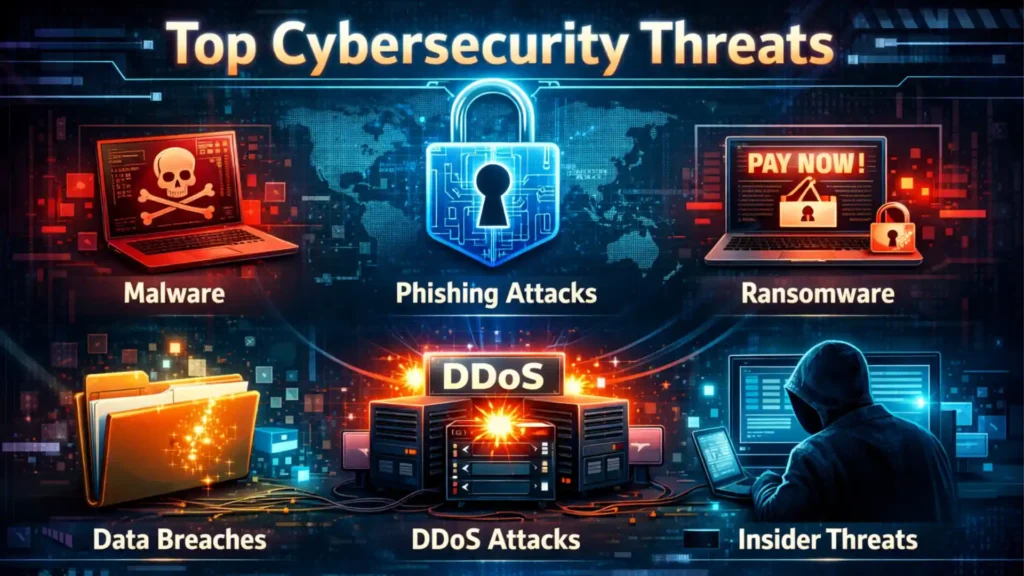
Cyber threats are becoming more advanced and more dangerous every year, and in 2026 businesses of all sizes are major targets for cybercriminals. From ransomware and phishing attacks to cloud security breaches and AI-powered threats, a single cyber attack can cause serious financial and data loss. At T-Tech Solutions Lab Pvt Ltd, we help businesses understand these risks and implement the right cybersecurity solutions to protect their systems, networks, and data from modern cyber threats.
Table of Contents
Cybercrime in 2026: Why Every Business Is a Target Now
Cybercrime is no longer a distant threat faced only by banks and large corporations. In 2026, it has become one of the most serious business risks in the world, affecting companies of every size and industry. Global cybercrime damages are expected to exceed $10.5 trillion annually, making it one of the most profitable criminal enterprises on earth.
For business owners in the USA, UK, Canada, UAE, Australia, and beyond, the risk has never been higher. Attackers today are faster, smarter, and more automated than ever before. They use artificial intelligence to launch targeted attacks, exploit cloud vulnerabilities, and manipulate employees through deception.
What makes the current landscape especially alarming is that small and medium-sized businesses (SMBs) have become prime targets. Many lack the resources or awareness to defend themselves properly, making them easy victims for cybercriminals looking for quick financial gains.
This guide covers the top cybersecurity threats in 2026, explains how each attack works in plain language, and provides practical steps your business can take to stay protected. Whether you run a startup, a growing company, or an established enterprise, this article will help you understand the risks and build a stronger defence.
Top Cybersecurity Threats in 2026
AI is Now Hacking You — The Rise of Intelligent Cyber Attacks
What Is This Threat?
Artificial intelligence is no longer just a tool for businesses. Cybercriminals are now using AI to launch faster, more sophisticated, and harder-to-detect attacks. AI-powered cyber attacks represent one of the most alarming cybersecurity threats for businesses in 2026.
How the Attack Works
AI is used to automate hacking attempts at massive scale. It can craft personalised phishing emails that sound exactly like a trusted colleague, analyse network patterns to find weaknesses, bypass traditional security tools, and even generate convincing deepfake audio or video to impersonate executives.
Why It Is Dangerous for Businesses
AI attacks can scale across thousands of targets simultaneously and adapt in real time to evade detection. Traditional antivirus and firewall tools were not designed to handle AI-generated threats. This makes even well-protected businesses vulnerable.
How to Defend Against AI-Powered Threats
- Deploy AI-powered security tools that can detect and respond to AI-generated threats in real time
- Implement strict verification protocols for financial transactions, especially unusual or urgent requests
- Train employees to verify unexpected requests through a second communication channel
- Use behavioural analytics tools that flag unusual activity patterns in your network
- Partner with a managed cybersecurity services provider for continuous threat monitoring
LOCK Ransomware is Smarter and More Brutal Than Ever
What Is This Threat?
Ransomware attacks involve malicious software that encrypts your business data, making it completely inaccessible. Attackers then demand a ransom payment, usually in cryptocurrency, in exchange for a decryption key. In 2026, ransomware has evolved into a multi-layered threat where attackers not only lock your data but also threaten to publicly release sensitive information if you refuse to pay.
How the Attack Works
Ransomware is typically delivered through a phishing email, a compromised website, or an unpatched software vulnerability. Once inside your system, it silently spreads across your network, encrypting files, databases, and backups. Modern ransomware groups operate like professional businesses, complete with customer support lines for victims and negotiation teams.
Why It Is Dangerous for Businesses
The average cost of a ransomware attack in 2025 exceeded $1.5 million when including downtime, recovery costs, and reputational damage. Many businesses never fully recover, and some are forced to shut down entirely.
How to Protect Your Business from Ransomware
- Maintain regular, encrypted backups stored in a separate, isolated environment (offline or air-gapped)
- Never pay the ransom — it does not guarantee file recovery and encourages further attacks
- Apply software patches and security updates as soon as they are released
- Segment your network so ransomware cannot spread freely across all systems
- Train staff to recognise suspicious emails and avoid clicking unknown attachments or links
FISH Phishing Has Become Almost Impossible to Detect
What Is This Threat?
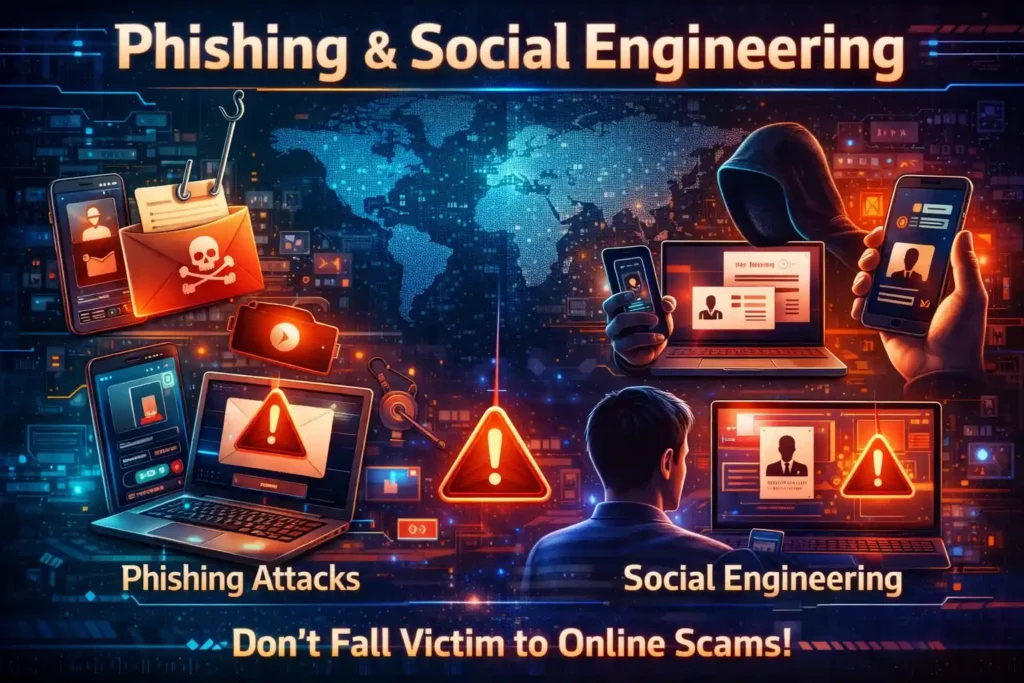
Phishing attacks are attempts by cybercriminals to trick your employees into revealing sensitive information such as login credentials, financial data, or access to business systems. In 2026, phishing has become extraordinarily convincing. Attackers now use AI to craft near-perfect emails that mimic real people, brands, and business processes.
How the Attack Works
The attacker sends an email or message that appears to come from a trusted source, such as your bank, a supplier, or even a colleague. The message creates urgency and directs the victim to a fake website or prompts them to share credentials. Spear-phishing attacks are even more dangerous as they are tailored specifically to an individual using their personal and professional information gathered from social media.
How to Stop Employees from Falling for Phishing
- Conduct regular phishing simulation exercises to train employees to recognise suspicious emails
- Implement email filtering tools that flag or block suspected phishing messages
- Enable Multi-Factor Authentication (MFA) so stolen passwords alone cannot grant access
- Establish a verification protocol for financial transactions — always confirm by phone before transferring funds
- Educate employees about social engineering tactics and red flags to watch for
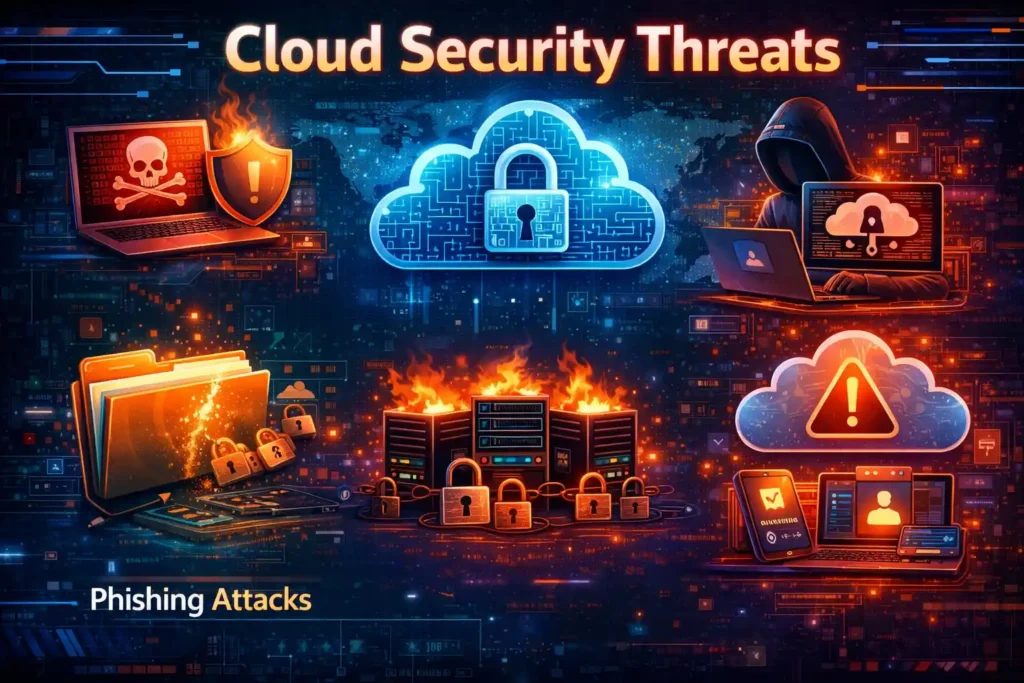
CLOUD Your Cloud Is Not as Secure as You Think
What Is This Threat?
As more businesses move operations to cloud platforms like Microsoft Azure, Google Cloud, and Amazon Web Services, cloud security threats have become one of the most serious cybersecurity risks for companies in 2026. Many businesses incorrectly assume that their cloud provider handles all security responsibilities.
How the Attack Works
Attackers exploit misconfigured cloud storage, weak access controls, stolen credentials, and unpatched cloud services to gain unauthorised access to sensitive business data. A single misconfigured cloud storage bucket can expose thousands of customer records to the public internet.
How to Secure Your Cloud Infrastructure Properly
- Conduct regular cloud security audits and configuration reviews
- Apply the principle of least privilege — restrict cloud access to only what each user genuinely needs
- Enable multi-factor authentication for all cloud accounts without exception
- Encrypt all data stored in the cloud, both at rest and in transit
- Use Cloud Security Posture Management (CSPM) tools to automatically detect misconfigurations
- Invest in cloud security services from a specialist provider
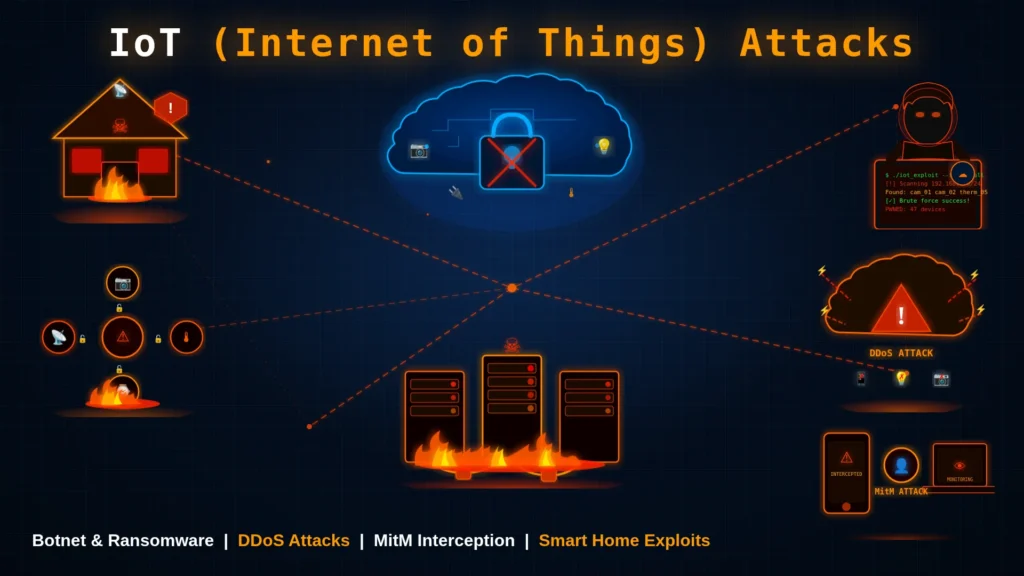
IoT Smart Devices, Dumb Security — The IoT Risk Explosion
What Is This Threat?
The Internet of Things (IoT) refers to internet-connected devices beyond computers and smartphones, including smart TVs, security cameras, printers, manufacturing sensors, HVAC systems, and medical devices. IoT security risks are growing rapidly in 2026 because these devices are often poorly secured and serve as easy entry points into your business network.
How the Attack Works
Many IoT devices ship with default passwords that are never changed, run outdated firmware, and lack proper encryption. Cybercriminals scan the internet for vulnerable devices, gain access, and use them as a foothold to penetrate deeper into your corporate network.
How to Lock Down Your IoT Devices
Maintain a complete inventory of all connected devices across your business
Change all default usernames and passwords immediately upon device installation
Keep all IoT firmware and software updated regularly
Isolate IoT devices on a separate network segment away from critical business systems
Disable any features, ports, or services on IoT devices that are not actively needed
SPY The Enemy Inside — Insider Threats Are Rising
What Is This Threat?
Not all cybersecurity threats come from outside the organisation. Insider threats in cybersecurity involve current or former employees, contractors, or business partners who misuse their legitimate access to cause harm. In 2026, insider threats account for a significant proportion of data breaches, and many go undetected for months.
How the Attack Works
An insider threat can be malicious, such as a disgruntled employee stealing data before resignation, or unintentional, such as a staff member accidentally emailing confidential files to the wrong recipient. Both scenarios can result in serious business damage.
How to Control Internal Access and Prevent Data Leaks
- Implement strict role-based access controls — employees should only access systems they need for their job
- Monitor user activity with security information and event management (SIEM) tools
- Revoke all access credentials immediately upon employee departure
- Conduct background checks before granting access to sensitive systems
- Use Data Loss Prevention (DLP) software to detect and block unauthorised data transfers
CHAIN Your Vendors Could Be Your Weakest Link — Supply Chain Attacks
What Is This Threat?
Supply chain attacks occur when cybercriminals target a third-party supplier or vendor that has access to your systems, rather than attacking your business directly. Because these vendors are often trusted entities, their compromise can bypass your security controls entirely.
How the Attack Works
An attacker infiltrates a software vendor, inserts malicious code into a product update, and distributes it to all customers. Businesses that automatically install updates receive the infected software without realising it. This attack vector became infamous following several high-profile breaches that affected thousands of companies simultaneously through a single compromised vendor.
How to Secure Third-Party Access
- Vet all third-party vendors thoroughly before granting access to your systems
- Require vendors to meet your minimum cybersecurity standards as part of contracts
- Limit vendor access to only the specific systems they genuinely need
- Test software updates in a sandboxed environment before deploying them organisation-wide
- Monitor third-party connections and activity continuously using network security tools
ZERO Unknown Threats — The Danger of Zero-Day Vulnerabilities
What Is This Threat?
A zero-day vulnerability is a security flaw in software that is unknown to the software vendor. Because there is no patch available yet, businesses remain completely exposed until the vulnerability is discovered, disclosed, and fixed. Zero-day vulnerabilities are highly prized by cybercriminals and state-sponsored hackers alike.
How the Attack Works
Attackers who discover or purchase zero-day exploits can use them to silently infiltrate systems without triggering traditional security alerts. The attack exploits the security gap before any defensive measures are possible, giving defenders zero days to prepare.
How to Stay Protected from Unknown Exploits
- Adopt the Zero Trust Security Model — verify every user and device before granting access, every time
- Use advanced endpoint detection and response (EDR) tools that detect anomalous behaviour, not just known threats
- Apply software patches immediately when they are released — delayed patching is a major risk
- Work with a cybersecurity services provider that monitors threat intelligence feeds for emerging vulnerabilities
- Segment your network to limit the damage if a zero-day exploit is successfully used against you
Cybersecurity Best Practices for Businesses in 2026
Defending against the cybersecurity threats described above requires a layered approach. No single tool or policy is enough. The following best practices represent the foundation of a strong cybersecurity posture for businesses of all sizes.
| Best Practice | Why It Matters |
| Multi-Factor Authentication (MFA) | Stops 99% of account compromise attacks even when passwords are stolen |
| Strong Password Policies | Prevents brute-force and credential-stuffing attacks on business accounts |
| Employee Security Training | Human error is the cause of over 80% of breaches — training is your first defence |
| Regular Data Backups | Ensures business continuity if ransomware strikes or data is lost |
| Endpoint Protection | Protects every device connected to your network from malware and intrusions |
| Network Security Monitoring | Detects suspicious activity early before it causes serious damage |
| Zero Trust Security Model | Eliminates implicit trust and requires constant verification for all access |
| Software Updates & Patching | Closes known security vulnerabilities before attackers can exploit them |
| Access Control Management | Limits the damage that any single compromised account can cause |
| Data Encryption | Protects sensitive data even if it is intercepted or stolen |
10 Must-Follow Security Practices for Every Business
1. Enable Multi-Factor Authentication on every business account, especially email, finance, and administrative systems.
2. Use a password manager and enforce minimum password complexity requirements across your organisation.
3. Deliver cybersecurity awareness training at least twice per year, including phishing simulation exercises.
4. Follow a 3-2-1 backup strategy: three copies of data, on two different storage types, with one stored off-site or offline.
5. Deploy enterprise-grade endpoint protection software on every device used for business purposes.
6. Implement a firewall, intrusion detection system, and network traffic monitoring solution.
7. Adopt the Zero Trust principle: never trust, always verify. No user or device should be trusted by default, regardless of location.
8. Apply all security patches within 48 hours of release. Enable automatic updates where possible.
9. Review and restrict user access permissions regularly. Remove access for former employees immediately.
10. Encrypt all sensitive data in transit and at rest using current encryption standards.
IT Security Checklist for Companies — Your Step-by-Step Action Plan
- Use this checklist to assess and strengthen your current cybersecurity posture. Each item represents a practical action your business should take to reduce risk significantly.
- Enable Multi-Factor Authentication (MFA) on all business accounts, email systems, and remote access tools
- Back up all critical business data daily and verify that backups are working and recoverable
- Apply software updates, operating system patches, and firmware updates across all devices regularly
- Install and configure a business-grade firewall and endpoint security solution on all devices
- Secure your business Wi-Fi with WPA3 encryption, a unique strong password, and a separate guest network
- Train all employees on phishing recognition, social engineering awareness, and safe internet practices
- Implement least-privilege access controls — restrict each employee to only the data and systems they need
- Monitor your network for unusual activity and set up automated alerts for suspicious behaviour
- Develop and document an incident response plan so your team knows exactly what to do if a breach occurs
- Conduct a formal cybersecurity risk assessment at least once per year
- Vet and monitor all third-party vendors who have access to your systems
- Encrypt sensitive data stored in cloud platforms and on physical devices
- Disable inactive user accounts promptly and remove access for departed employees on their last day
- Use a Virtual Private Network (VPN) for all remote access to company resources
- Test your incident response and disaster recovery plan through simulated exercises
Cybersecurity for Small Businesses: Why You Are the Number One Target
Many small business owners believe they are too small to be targeted by cybercriminals. This assumption is dangerous and incorrect. In reality, small businesses are often actively preferred by attackers because they combine valuable data with limited security resources.
Why Small Businesses Are Targeted
- They hold valuable financial data, customer information, and intellectual property
- Most lack dedicated IT or cybersecurity staff
- They often use outdated software and unpatched systems
- They frequently serve as suppliers or vendors to larger enterprises, making them a gateway for supply chain attacks
- They are less likely to detect a breach quickly, giving attackers more time to extract value
Common Security Mistakes Small Businesses Make
- Using the same password across multiple business accounts
- Relying solely on basic antivirus software without additional layers of protection
- Failing to train employees about cybersecurity risks and phishing attacks
- Not having a tested backup and recovery plan in place
- Ignoring software updates and patch notifications• Storing sensitive data without encryption
Affordable Cybersecurity Solutions for Small Businesses
Effective cybersecurity does not need to be expensive. The following solutions provide strong protection at a fraction of enterprise costs:
- Cloud-based security tools with affordable monthly subscription pricing
- Password managers to enforce strong, unique passwords across all accounts
- Free or low-cost MFA solutions using authentication apps
- Managed cybersecurity services that provide enterprise-level protection without the need for in-house expertise
- Employee phishing training through affordable online platforms
The Importance of Managed Cybersecurity Services
For small businesses that cannot afford a dedicated internal security team, managed cybersecurity services represent the most cost-effective path to comprehensive protection. A managed security provider monitors your systems around the clock, responds to threats in real time, manages your security tools, and keeps your business compliant with data protection regulations. The cost of a monthly managed service is a fraction of the average cost of a single cybersecurity incident.
Conclusion: Do Not Wait for an Attack — Secure Your Business Before It Is Too Late
The cybersecurity threats facing businesses in 2026 are more sophisticated, more targeted, and more damaging than at any point in history. AI-powered attacks, ransomware, phishing, cloud vulnerabilities, IoT risks, insider threats, supply chain attacks, and zero-day exploits represent a serious and ever-present danger to every organisation, regardless of size or industry.
The most important lesson from this guide is simple: prevention is always cheaper than recovery. The average cost of recovering from a significant cyber attack runs into hundreds of thousands of dollars, and the reputational damage can be permanent. Investing in cybersecurity now protects your customers, your employees, your revenue, and your business’s future.
Do not wait until your business is compromised to take action. The threats are real, the attackers are ready, and the cost of inaction is too high. Take the first step today by reviewing your security posture, implementing the best practices in this guide, and reaching out to a qualified cybersecurity professional.
Remember: the question for most businesses today is not whether they will face a cyber attack, but when. The businesses that survive and thrive are those that prepare in advance.
How T-Tech Solutions Lab Pvt Ltd Cybersecurity Services Can Protect Your Business
Cyber threats are evolving every day, and businesses of all sizes are becoming targets. At T-Tech Solutions Lab Pvt Ltd Solutions, we provide enterprise-grade cybersecurity solutions designed to protect your business, data, and network from modern cyber threats.
Our comprehensive cybersecurity services include:
Cybersecurity Risk Assessment — We identify vulnerabilities and security gaps before attackers can exploit them.
Network Security Services — We secure your business network, firewalls, and infrastructure from unauthorized access.
Cloud Security Solutions — We protect your cloud infrastructure, applications, and sensitive data.
Endpoint Protection — We secure all devices including laptops, desktops, and servers connected to your network.
24/7 Security Monitoring — Continuous monitoring to detect and respond to threats in real time.
Data Backup Solutions — Reliable backup and disaster recovery solutions to ensure business continuity.
Managed Cybersecurity Services — Complete security management for businesses without in-house IT teams.
Contact us today for a free consultation and cybersecurity assessment and secure your business before a cyber attack happens.